Upload the logo with a transparent background if you can
A transparent PNG gives the cleanest result. Worth knowing: your logo is placed onto the image exactly as-is, never redrawn, so what you upload is what people see.
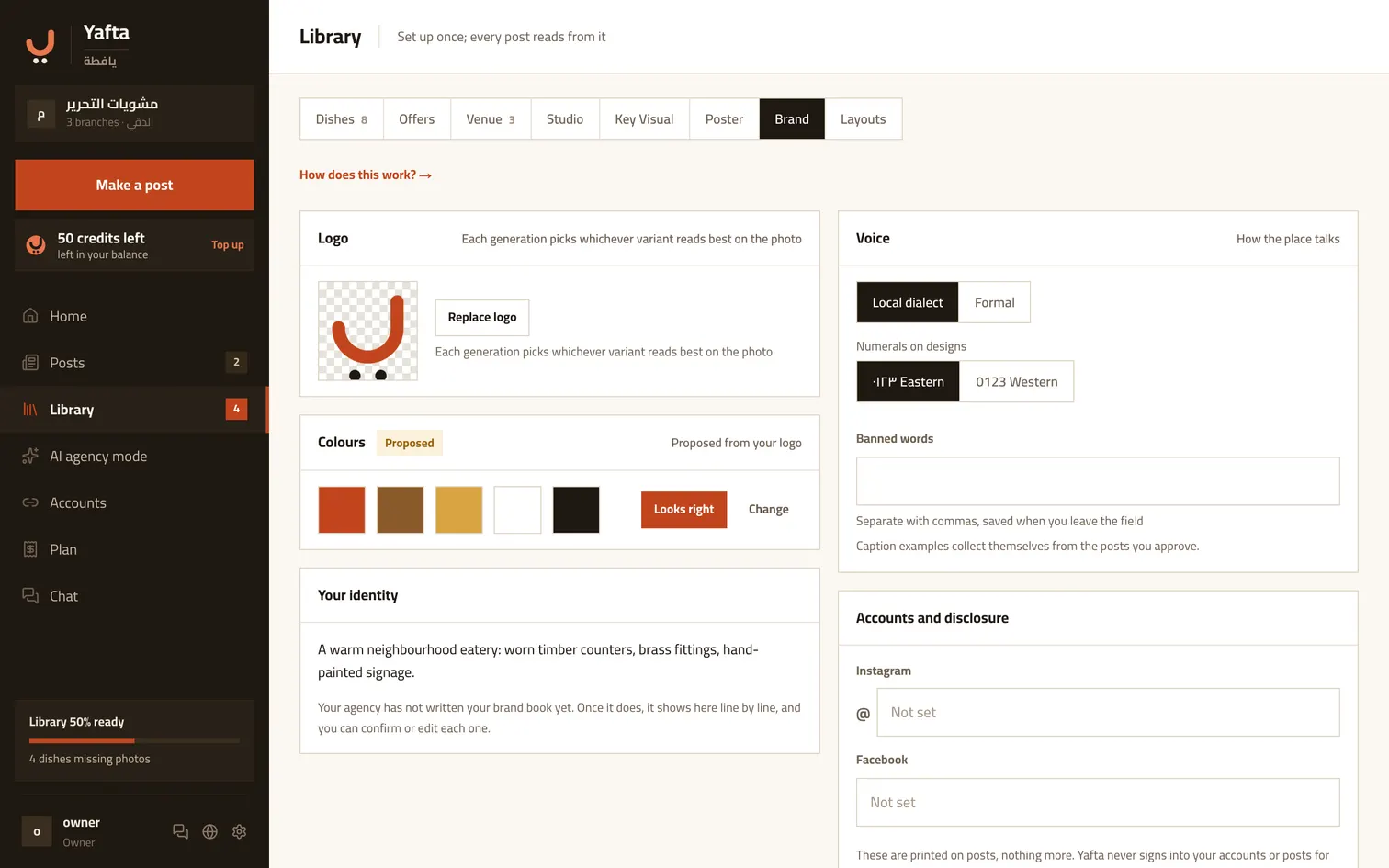
Colours and voice
Pick your colours and the register you talk to customers in, local dialect or formal. Captions come out in it without you asking. And once a logo is up, Yafta proposes a palette read from it.
How the branding sits on the picture
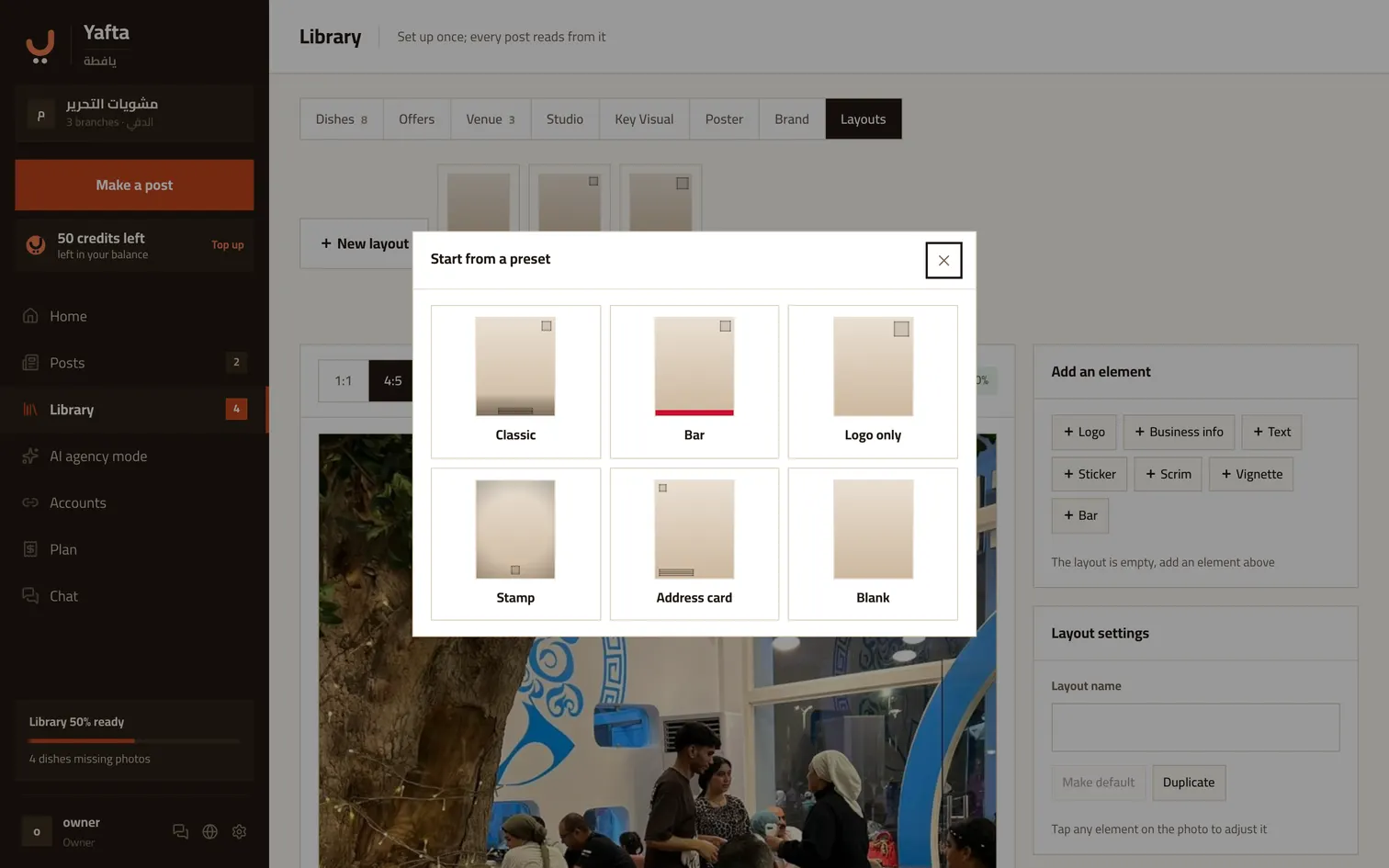
Three ready shapes: photo only, which is the default and puts nothing over the picture; logo only, a small mark in a corner; and the address bar, a strip underneath carrying your address and phone. You can switch between them on any post before approving it.
And if you want a shape of your own
The layouts tab lets you place the pieces yourself: logo, place details, text, a sticker, a scrim, a bar. It is entirely optional and the ready shapes work without it. Branding stays light on purpose — the photograph carries the post, and the poster is the one exception.
Try it now
Set once, and it carries through every post after.