1
Table, gallery, calendar
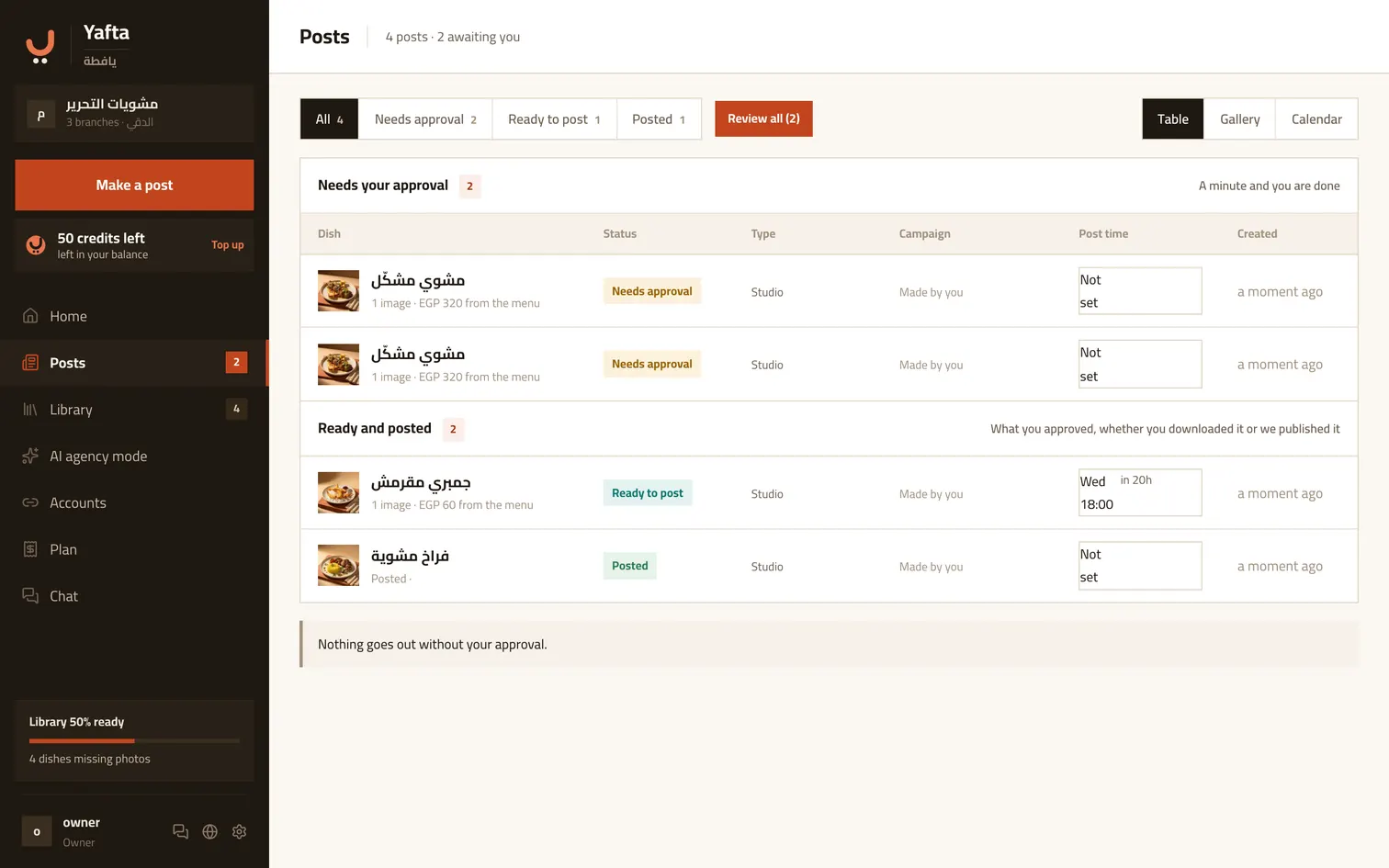
The same posts three ways: a table with the detail, a gallery that shows you the pictures, and a calendar that shows you the dates. The filters above narrow to one state, and they stay with you as you switch between the views.
2
The quick review
When several are waiting, the quick review shows them one after another: a big picture with its caption under it, and approve or later. Built for a phone, standing up.

3
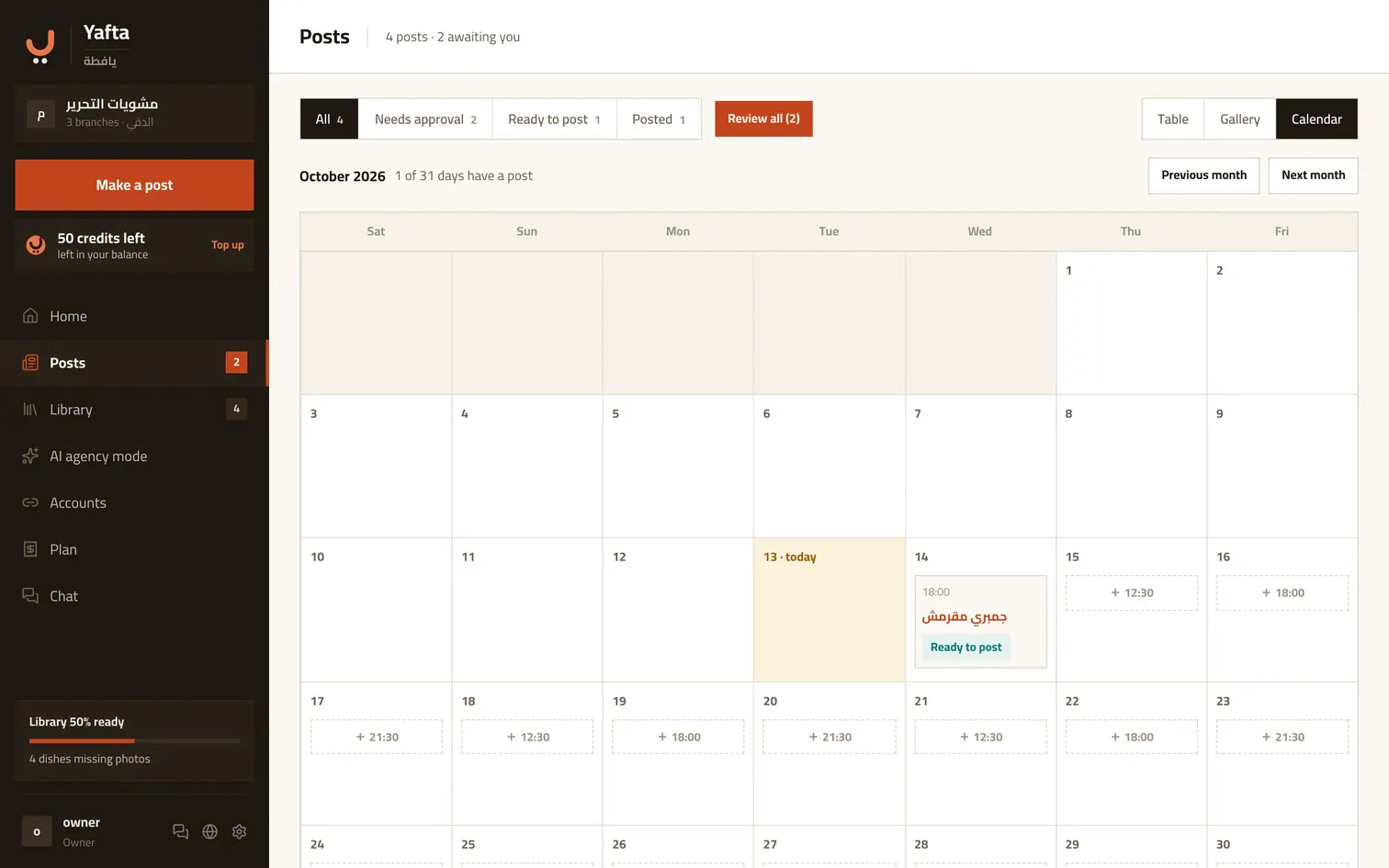
The calendar puts a ready post on a day
An empty day offers a suggested time, based on when demand peaks in Egypt. Tap it to make a new post for that slot, or to drop a ready post into it. The time is a reminder for you; Yafta does not publish on its own.
Try it now
A filter per state, and each view answers a different question.