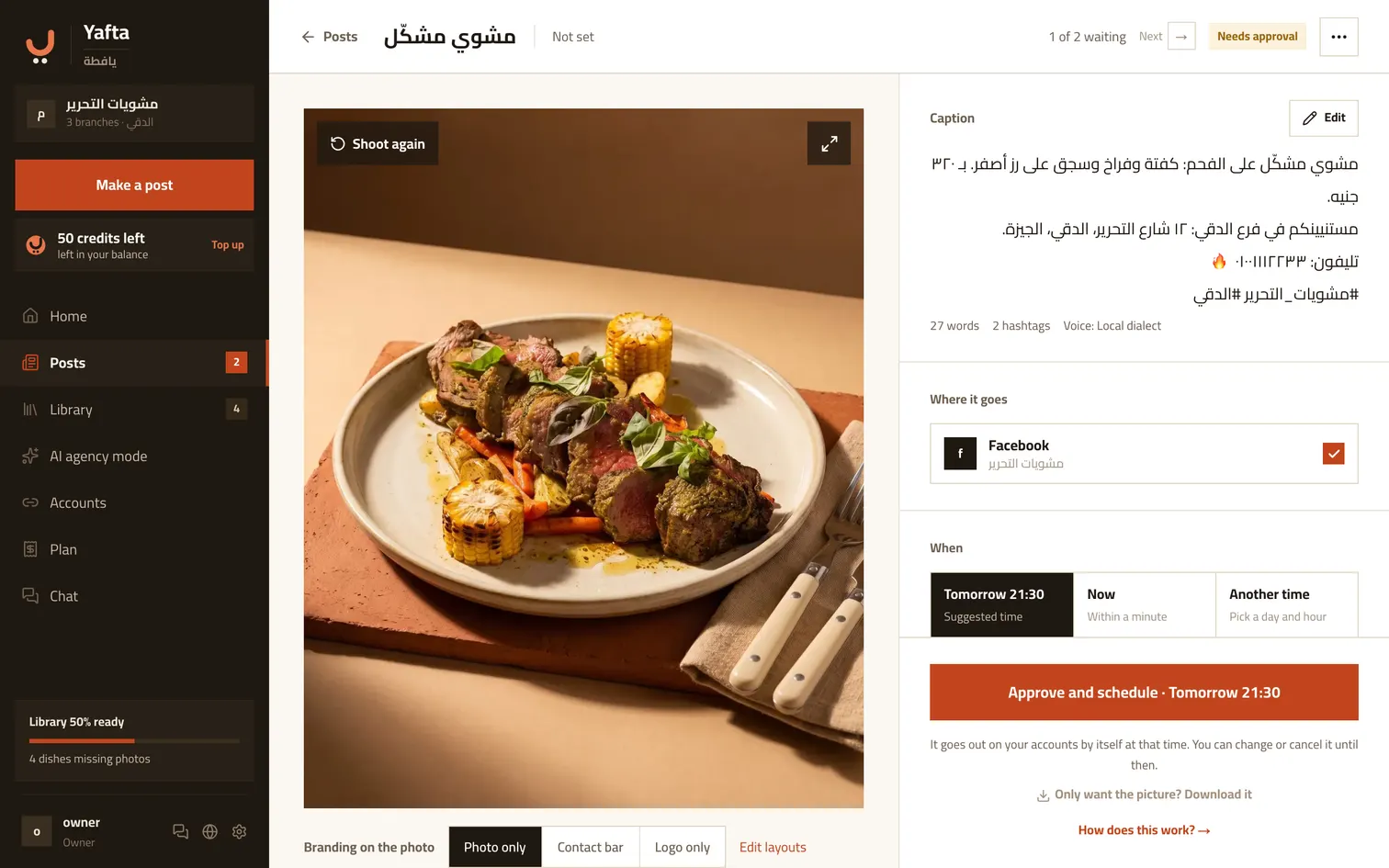
The picture and the branding shape
Tap the picture to see it large and look properly before you approve. You can switch the branding shape here too: photo only, logo only, or the address bar. The swap happens there and then, so you see it before deciding.
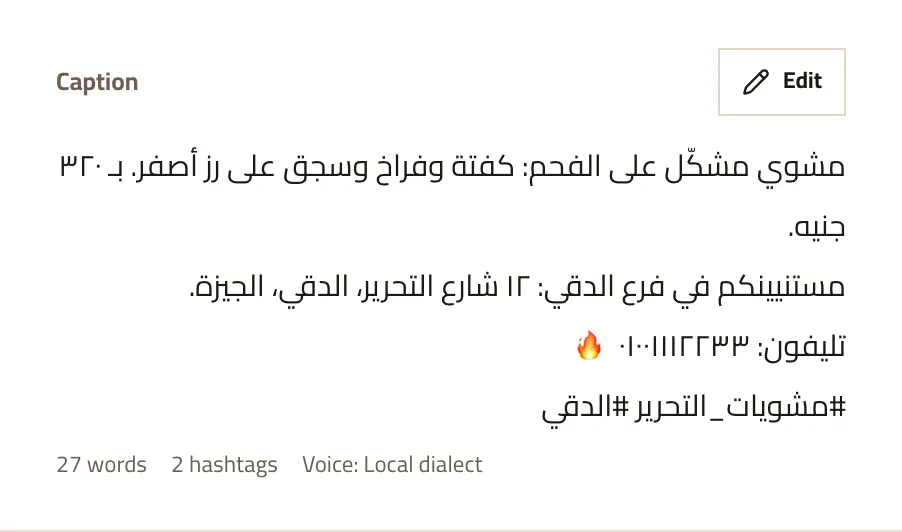
The caption is yours
Written in your restaurant’s voice and shown exactly as it will go out. Tap «Edit» to change it, then «Save the caption». Underneath it, the word and hashtag counts and the voice, so you know how it will read.
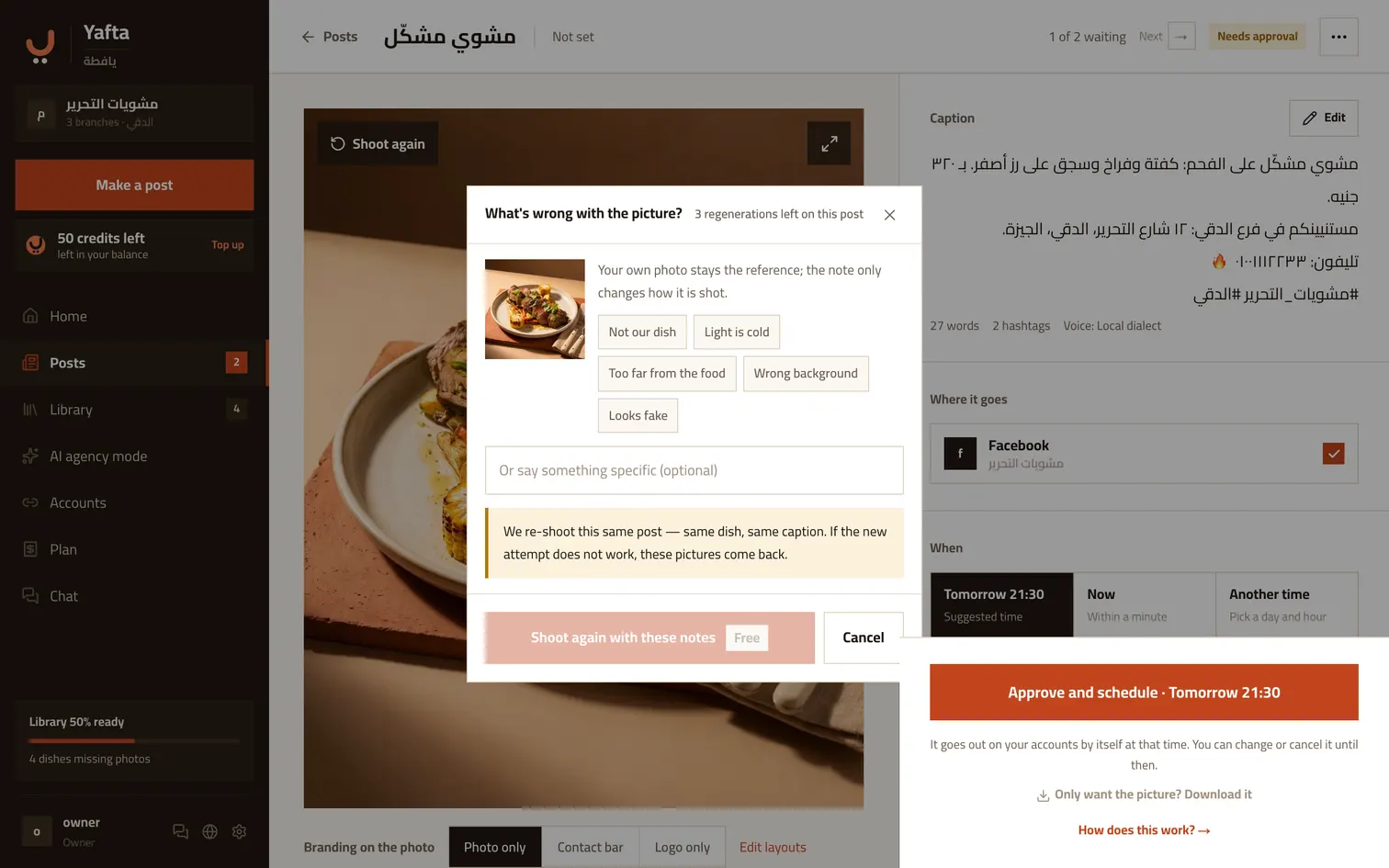
Not happy? Say why
Pick what bothers you: it is not our dish, the light is cold, it is too far from the food, the background is wrong, it looks fake. Or write your own note. We use your original dish photo again, and the note only changes how it is shot. Three tries per post, and they are free.
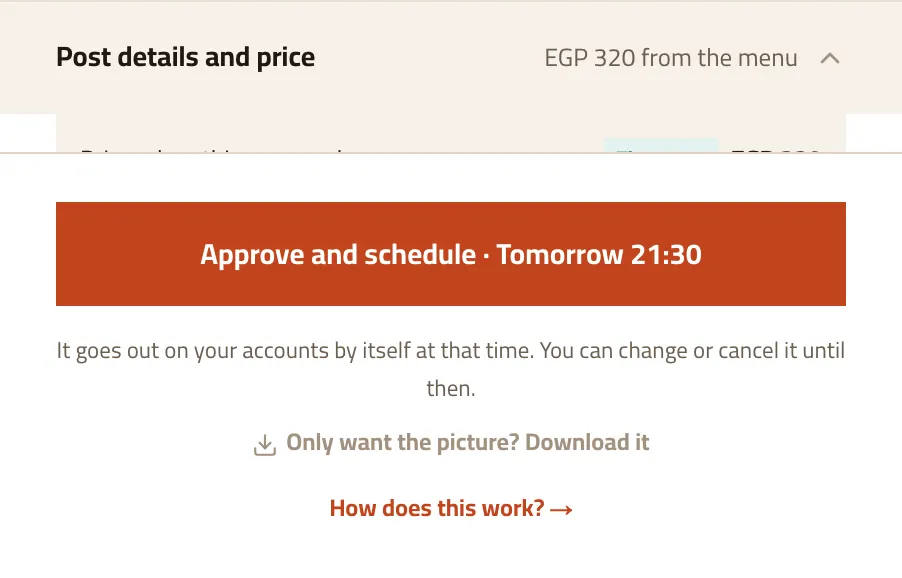
Where every number on the post came from
The prices panel shows the menu price at the time the post was made, the discount if there is one, and the price that will actually be written. And if the dish has no price, the caption is written without one — no number is ever supplied by us.
Try it now
Nothing is settled until you approve.