Review and approve
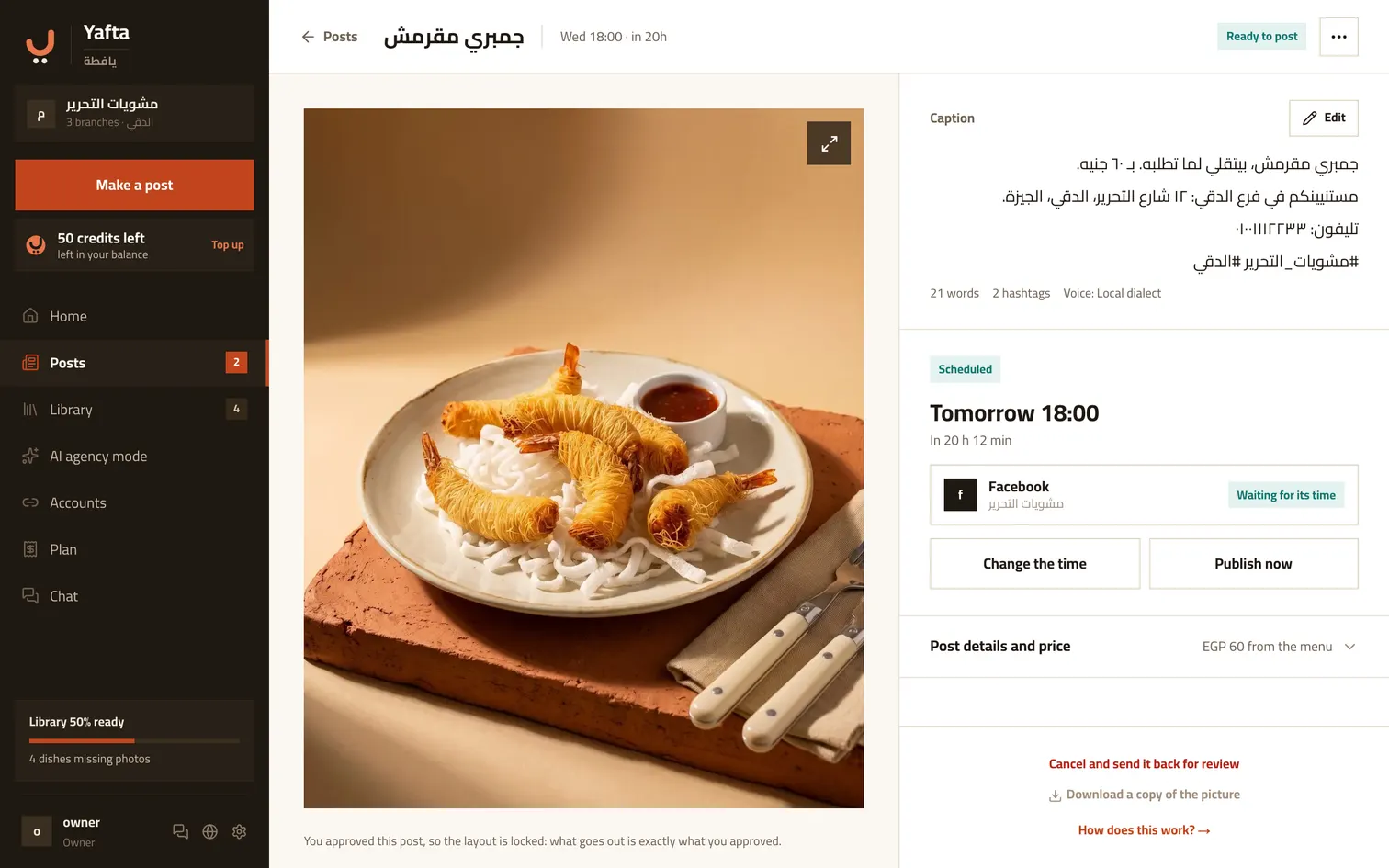
Every post waits for your approval; nothing moves without it. Once you approve, the branding shape is settled and the image you download stays exactly as it is.
Download the image, copy the caption
After approving you get two buttons: the image at full quality, and the caption copied. You post them to Facebook or Instagram or anywhere else yourself, straight from your phone. Yafta never touches your accounts unless you connect one yourself.
Tell us it went out
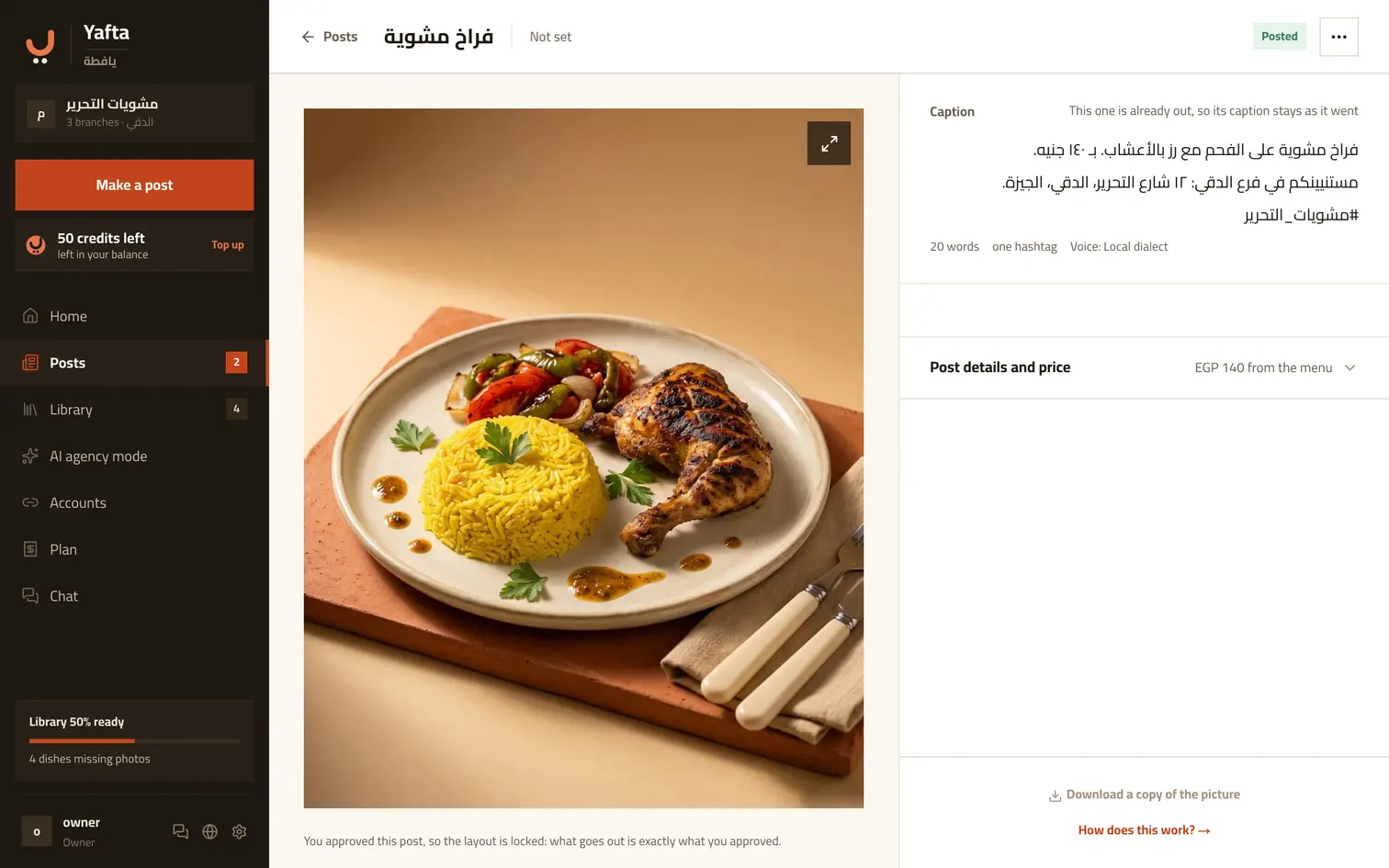
Tap «posted» once it is out so Yafta counts it and plans around it. Tapped it by mistake? Untick it and the post goes back to ready.
Or connect your Page
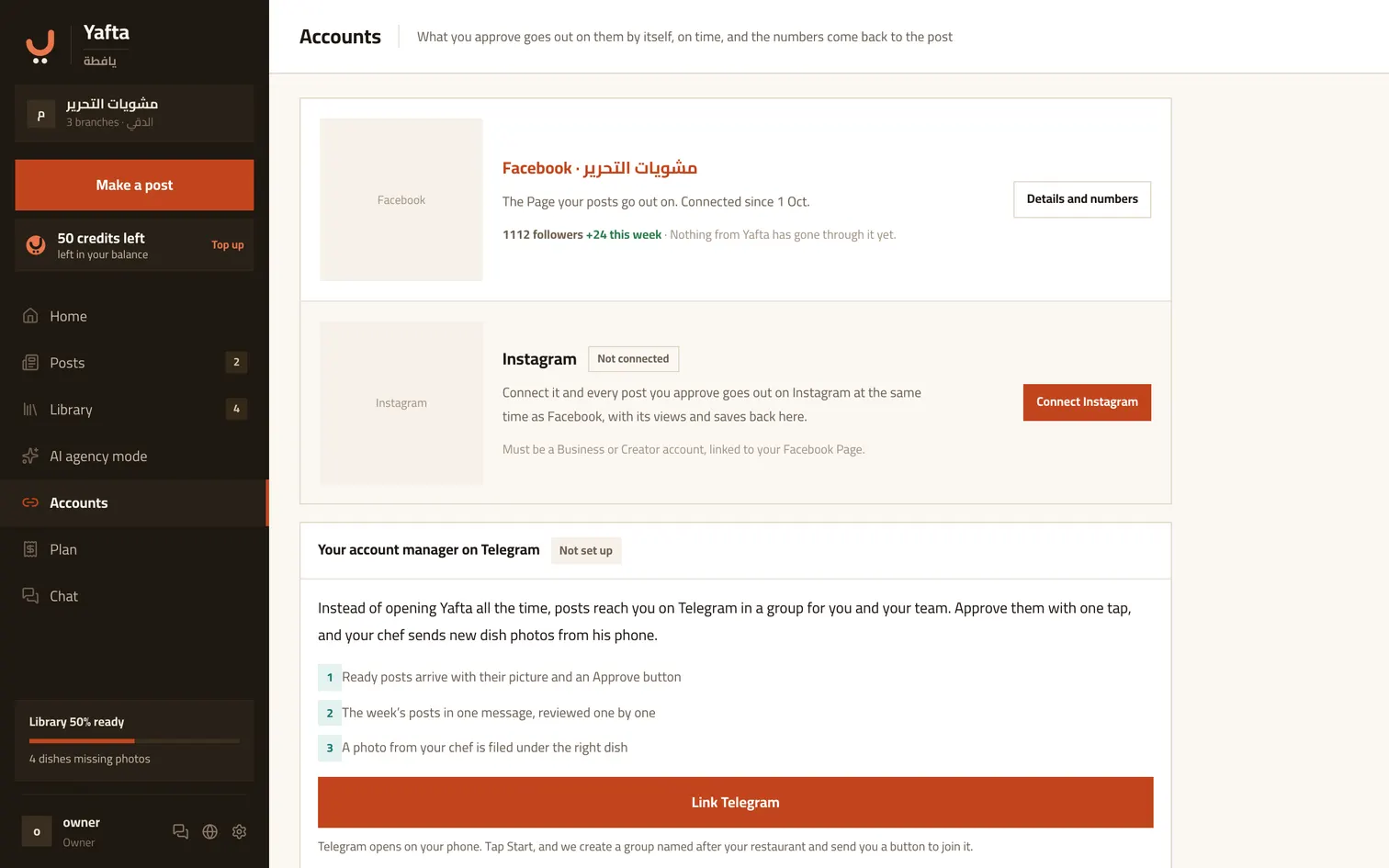
From «Accounts», connect a Facebook Page or an Instagram account. After that any dated post you approve goes out on its own, on time, and its numbers come back onto the post. If the Page stops accepting posts, it says so here, with the reconnect button.
Try it now
Approval to posted: under a minute.