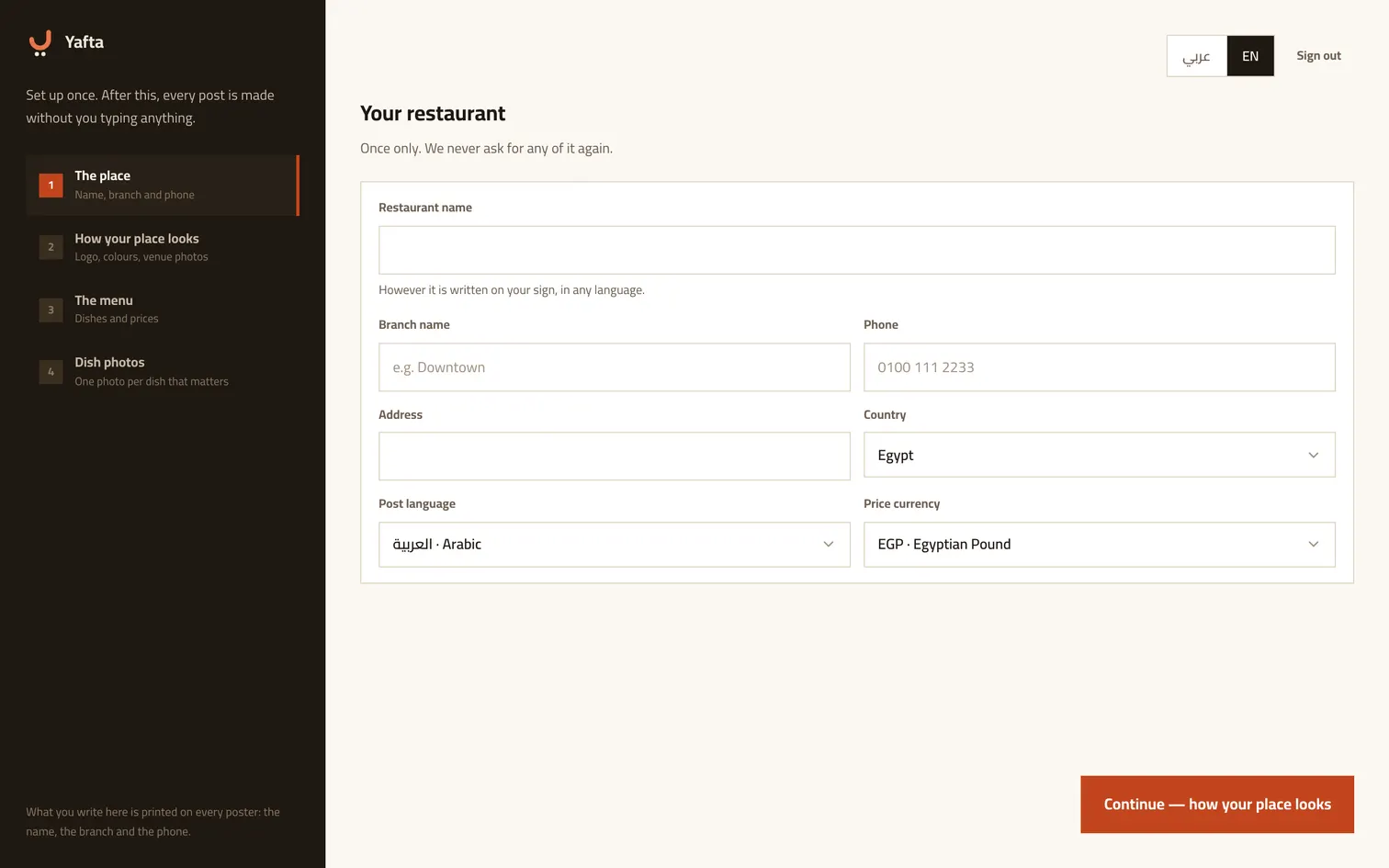
Type your name as it is on your sign
Arabic or English, exactly as your signboard says it. You type it once; Yafta derives the other language on its own, and you can correct it later in settings. The branch, phone and address get printed onto posters and written into captions, so get them right.
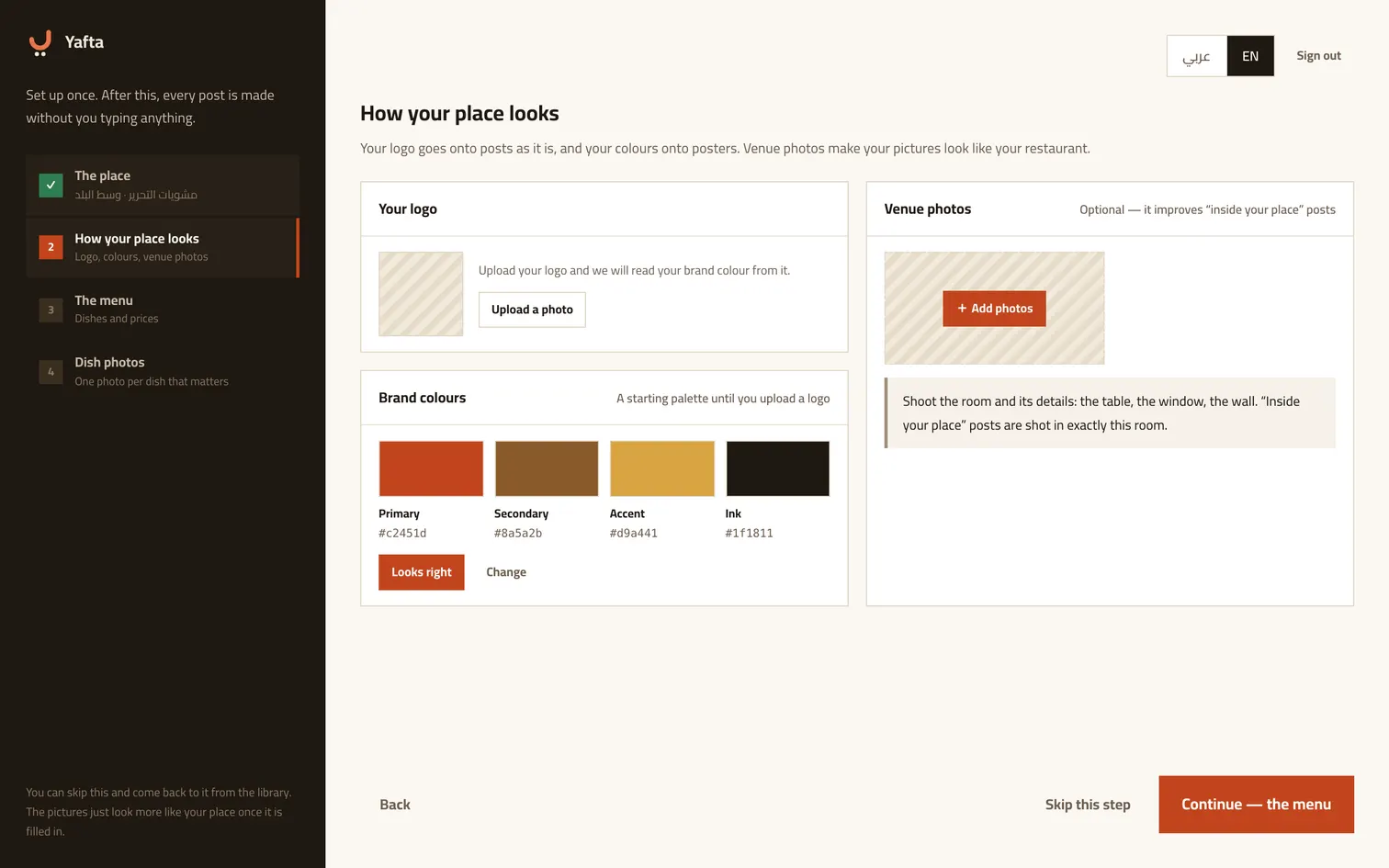
Logo, colours and photos of the room
Your logo is pasted onto posts as it is rather than drawn, so it stays exactly itself. Your colours are read from it and go onto posters. Photos of the room are what make «inside your place» posts look like your restaurant. You can skip this step and come back to it from the library whenever you like.
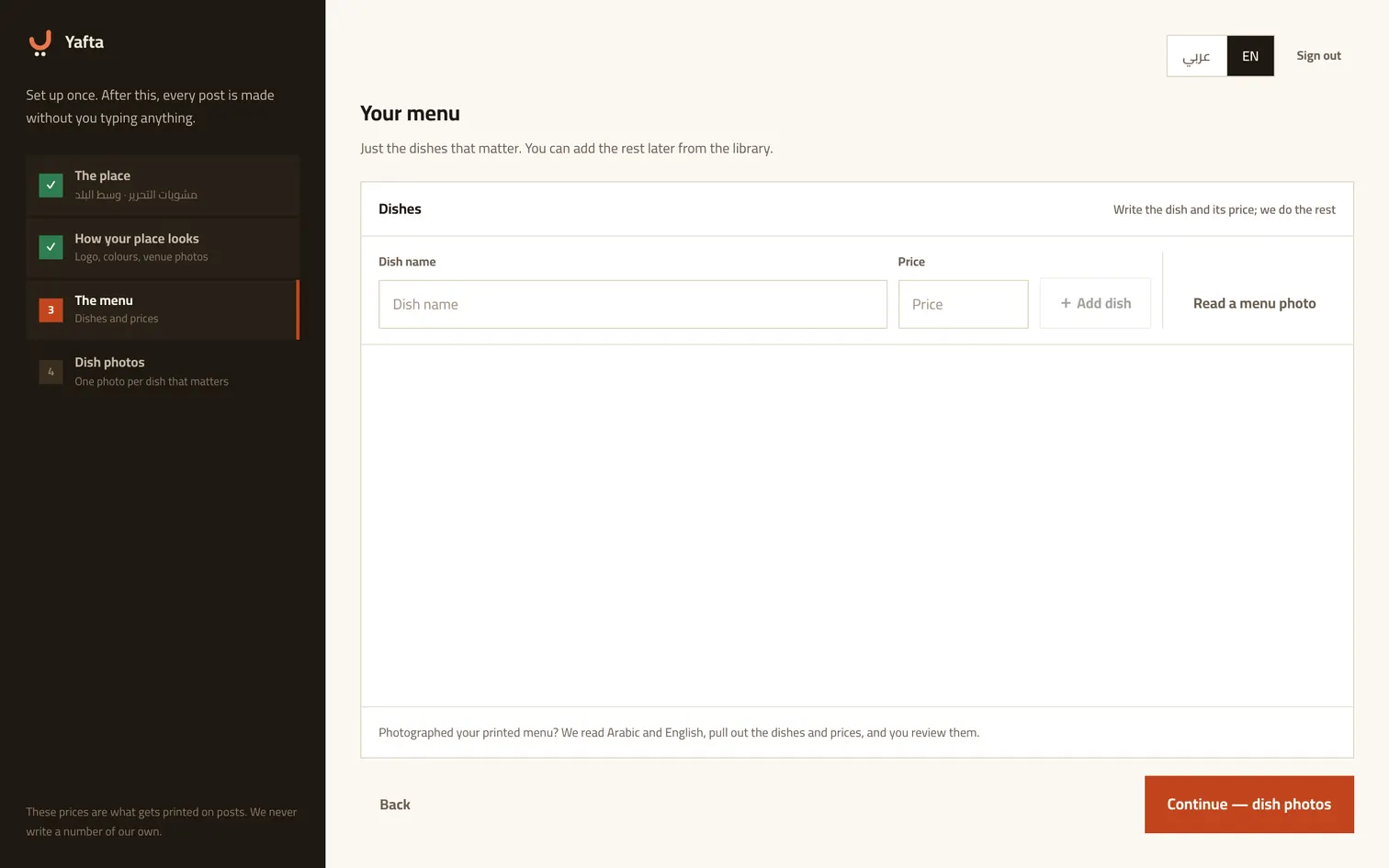
Write the menu, or photograph it
Type a dish and its price and press «add dish». And if your menu is printed, photograph it: we read the dishes and prices off it and you review them. These prices are what gets written onto posts, and we never write a number of our own.
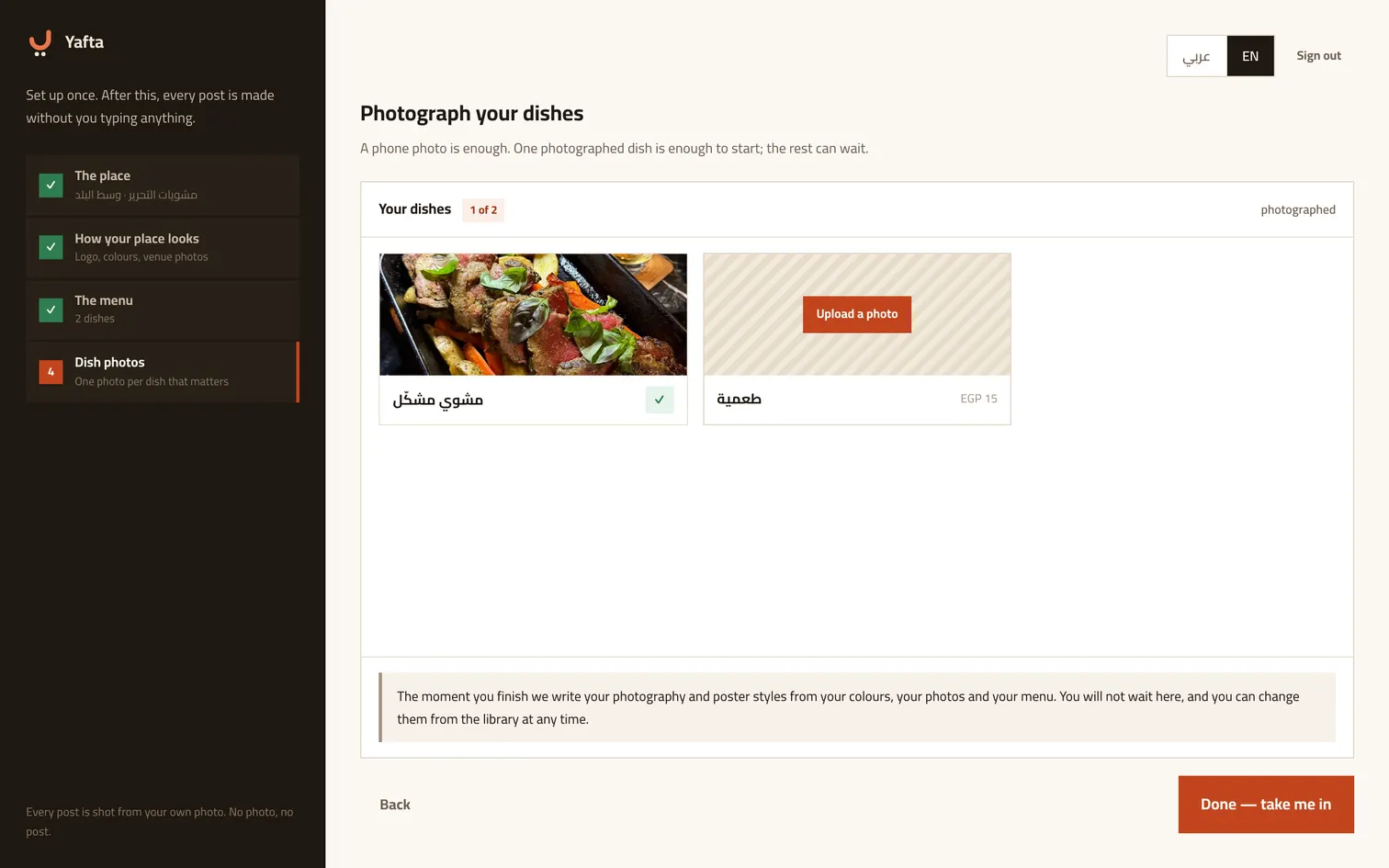
Photograph your dishes
Every dish you wrote gets a slot for its photo. A phone photo is enough, and one photographed dish is enough to start. This is the one step that will not let you past it: every post is shot from your own photo, and with no photo there is no post.
The first post makes itself
The moment you finish, Yafta picks one of your dishes and prepares a whole post: image and caption. You just approve. Every step has a way back if you want to fix the name or the branch, and the side rail keeps all four steps in front of you the whole time.
Try it now
The account takes under two minutes.